

视频演示:
资源介绍:

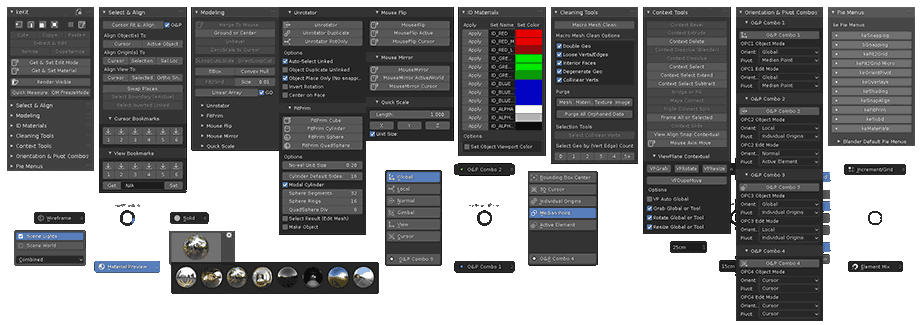
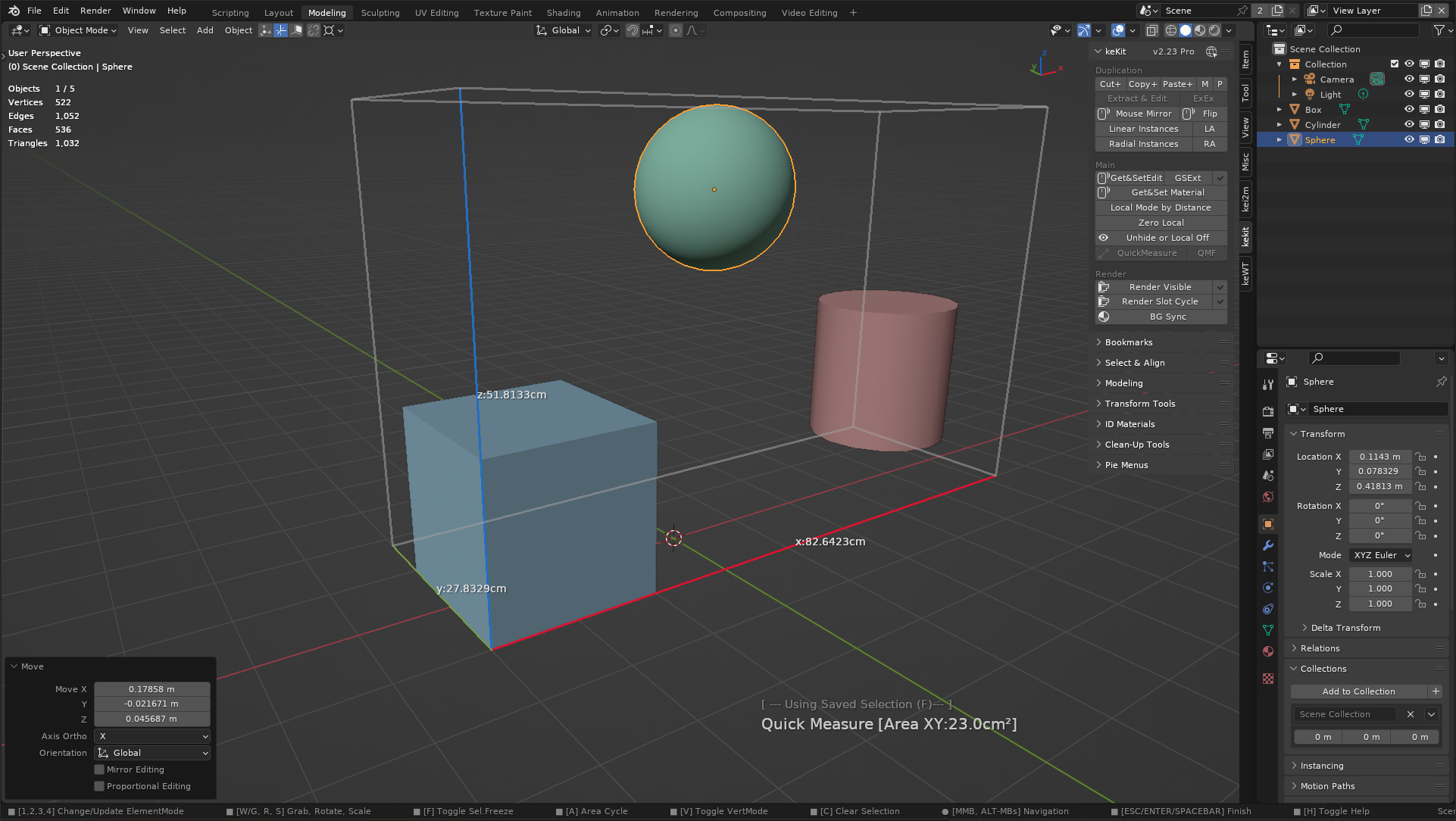
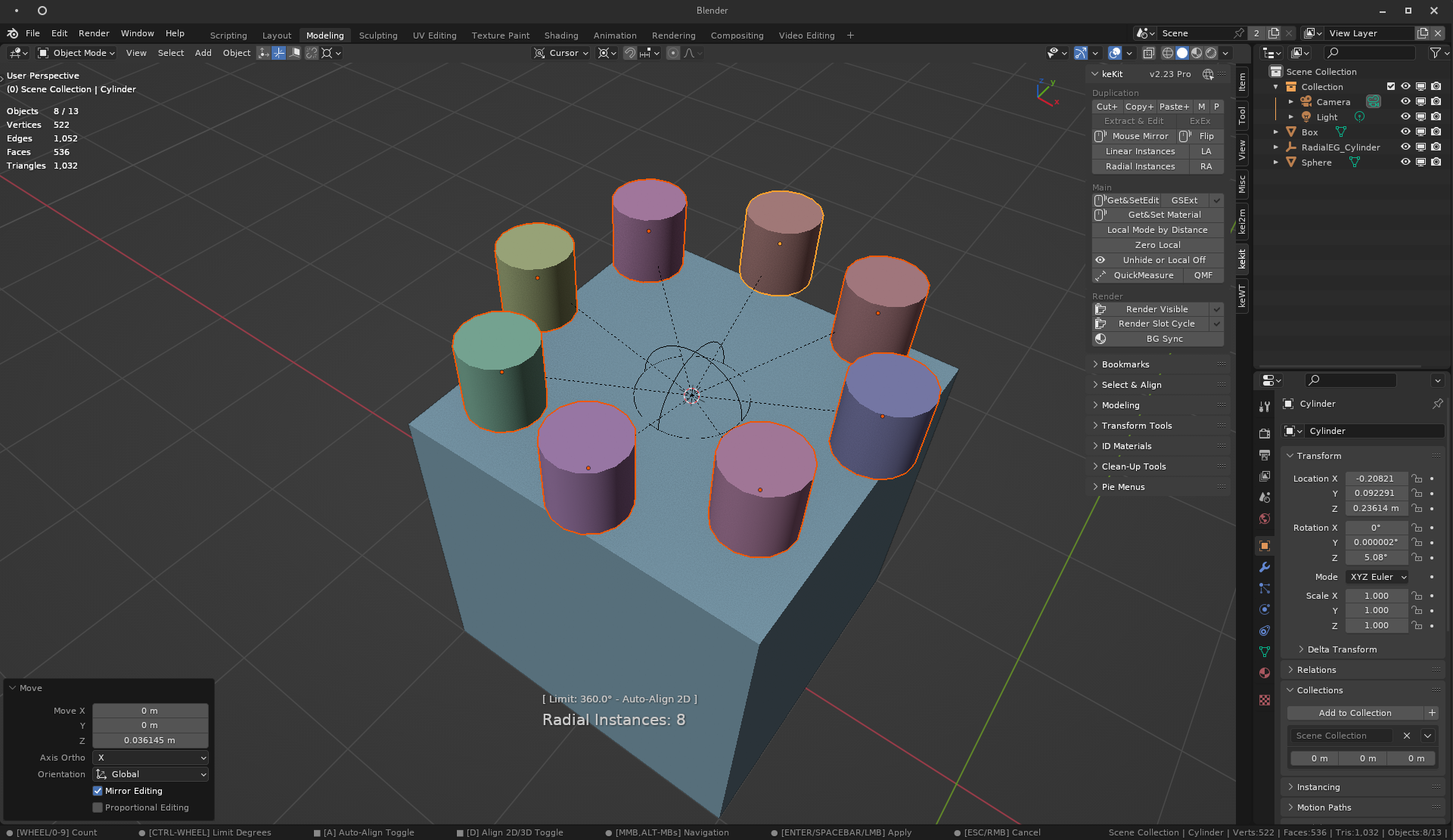
keKit是一个功能强大的Blender插件,为用户提供定制和优化工作流程的全方位解决方案。插件集成了各种脚本、工具、宏和饼菜单等,为用户提供了丰富的选项和功能。与其他插件不同的是,keKit采用了模块化的设计,用户可以根据自己的需求启用或禁用不同的模块,从而定制出符合自己工作流程的最佳设置。
keKit is a General Tool-Kit Blender Add-on
- The Add-On provides extensive options for customizing & optimizing workflows.
- An all-in-one collection of Scripts, Tools, Macros and Pie-Menus, etc.
- Modular – The kit is composed of separate modules that can be enabled or disabled.
- At your discretion – No preset shortcuts.
安装方法:
Blender 4或者低版本
打开软件,顶部菜单点击 编辑(Edit) → 首选项(Preference) → 插件(AAdd-ons) → 安装(Install) ,在弹出的窗口里选择插件zip文件安装
Blender 4.1或者高版本
打开软件,在顶部菜单编辑(Edit)→ 偏好设置(Preference)→ 插件(Add-ons),右上角下拉,选择从磁盘安装,在弹出的窗口里选择插件zip文件安装
支持Blender 5.0, 4.5, 4.4, 4.3, 4.2, 4.1, 4.0, 3.6