

视频演示:
资源介绍:
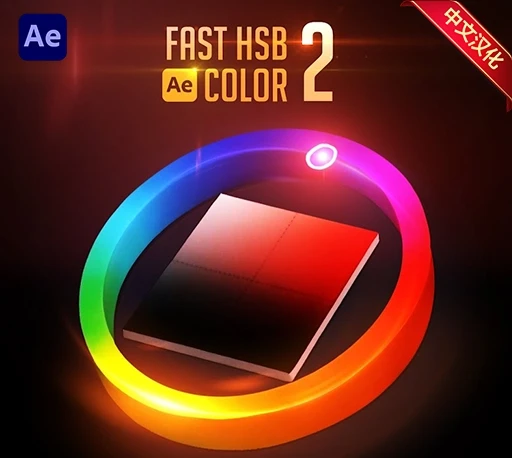
Fast HSB Color 2是一款为Adobe After Effects设计的高效颜色调整工具,可在软件界面中直接提供HSB/HSL颜色滑块,无需打开系统颜色选择器即可快速修改图层颜色,大幅提升调色效率。插件能够自动检测所选图层中的可编辑颜色属性,并将其集中显示在ColorList列表中,方便快速选择并进行实时调整。
该插件支持纯色图层、文本图层、形状图层、调整层、灯光以及各种效果颜色参数,并允许一次选择多个图层或多个颜色进行批量修改。可以通过键盘快捷键(1/2/3)快速切换Hue、Saturation、Brightness调节模式,并使用方向键进行精细调整,从而实现更加直观和流畅的调色体验。
Fast HSB Color brings on-interface HSB color sliders directly into After Effects, allowing you to adjust layer colors instantly without opening the native color picker. It automatically detects editable color properties across solid layers, text layers, shape layers, adjustment layers, light layers, and effects. With support for batch color editing, the HSL color model, and keyboard-driven adjustments.
2.2.0更新内容:
– 屏幕颜色选择器:
您可以从屏幕上的任何位置拾取颜色——甚至可以从 After Effects 之外的位置(例如浏览器、设计文件、参考图像)拾取颜色。点击吸管图标,然后点击任意像素即可采集颜色。
– 更智能的颜色列表:
没有颜色的属性以灰色显示,有颜色的属性则以高亮显示,以便快速进行视觉识别。
– 3D 对象颜色支持(After Effects 2026):
现在您可以正确地选择和修改 3D 对象和 3D 图层的颜色。
支持After Effects 2026, 2025, 2024, 2023, 2022