

视频演示:
资源介绍:
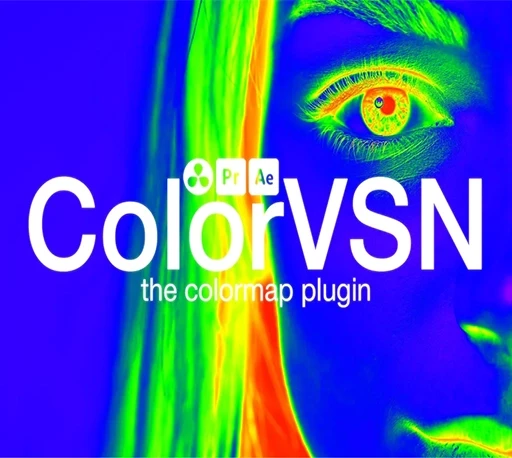
ColorVSN是一款专业且富有创意的颜色映射插件,专为视频后期处理与数据可视化设计。它能够将灰度图像或普通素材,通过内置的多种科学级与艺术级色表,快速转换为色彩丰富、视觉冲击力强的画面。
无论是希望通过伪彩色增强数据表现力的科研工作者,还是追求独特影像风格的视频创作者,ColorVSN都能提供高效解决方案。插件内置22种不同风格的色表,涵盖从热力图谱到电影感色调的广泛选择,并支持5种混合模式,可以灵活控制颜色与原素材的融合方式。
ColorVSN兼容After Effects、Premiere Pro以及DaVinci Resolve等主流后期软件,无论用于动态图形、剪辑调色还是数据内容制作,都能在短时间内完成从“灰度”到“惊艳”的视觉转变。
Apply unique colormap styles to your footage, transforming grayscale data into rich, visually striking imagery. Use it as a powerful color grading tool, complete with advanced controls like blend modes to fine-tune and achieve your ideal look.

After Effects 2026, 2025, 2024, 2023 Win/Mac
Davinci Resolve 21, 20, 19, 18, 17 Win
Premiere Pro 2026, 2025, 2024, 2023 Win/Mac
安装方法:
Windows 系统
After Effects 与 Premiere Pro:
- 将
.aex文件复制到以下路径:C:\Program Files\Adobe\Common\Plug-ins\7.0\MediaCore - 重启软件即可在效果面板中找到插件。
OFX 版本(DaVinci Resolve 等):
- 将插件文件夹复制到以下路径:C:\Program Files\Common Files\OFX\Plugins
- 重启软件即可使用。
macOS 系统
Premiere Pro:
- 将
.plugin文件夹复制到以下路径:/Library/Application Support/Adobe/Common/Plug-ins/7.0/MediaCore - 重启 Premiere Pro。
After Effects:
- 将
.plugin文件夹复制到以下路径:/Applications/Adobe After Effects [版本号]/Plug-ins(例如:/Applications/Adobe After Effects 2026/Plug-ins) - 重启 After Effects。
OFX 版本(DaVinci Resolve 等):
- 将插件文件夹复制到以下路径:/Library/OFX/Plugins
- 重启软件即可。